With the internet continuing to grow, businesses are under constant pressure to manage their online presence, websites, updates, landing pages, and other digital content that keep them connected to customers. That’s why talking about Content Management Systems (CMS) is unavoidable. In simple terms, a CMS helps you manage and publish content online efficiently, without needing to be technical for every small update. Below, I’ll briefly explain what a CMS is and why it can be a practical tool for you and your business.
A CMS (Content Management System) is software that lets you build and manage a website’s content without coding everything by hand. The big idea is: you can create pages/posts, upload images, organize content, and publish updates using an editor, while the CMS handles the structure behind the scenes. WordPress is a well-known CMS used for everything from blogs to business sites, and it’s designed to make publishing content quick and repeatable (especially when multiple people need to contribute).
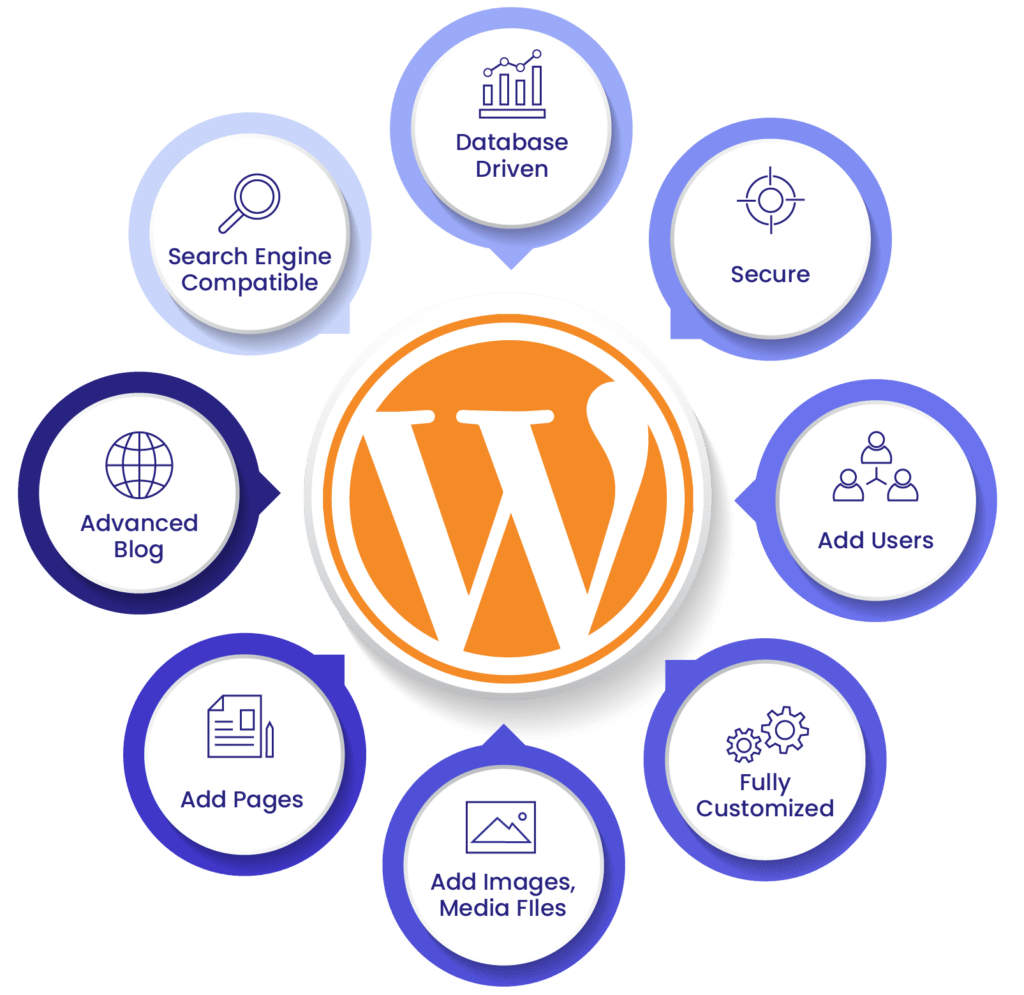
What I personally like about WordPress is how practical it is for “real work.” If you’re running a project or business, you don’t want your website updates to depend on a developer being available every time you need to post news, a portfolio update, or a case study. According to the WordPress team, WordPress also supports a modern block-based editor (often called Gutenberg) and a huge ecosystem of themes/plugins, which makes it easier to customize your site as your needs grow. For someone like me, still learning web analytics, I have found WordPress to be a realistic place to practice: publishing content, tracking performance, and improving pages based on data.
Sources:
https://wordpress.com/go/tutorials/what-is-a-cms/
https://www.google.com/urlsa=t&source=web&rct=j&url=https%3A%2F%2Fthewhitelabelagency.com%2Fcontent-management-system%2F&ved=0CBsQ3YkBahcKEwiw5N_HKeSAxUAAAAAHQAAAAAQdQ&opi=89978449
https://www.wpbeginner.com/beginners-guide/how-to-add-a-new-post-in-wordpress-and-utilize-all-the-features/
Featured Image source: https://visibleone.com/wp-content/uploads/2024/12/Frame-1_7d6bb445.jpg




One response
I really like how you frame CMS as something unavoidable for modern businesses and keep the explanation very approachable for non‑technical readers. Defining the big idea as creating and updating content while the system handles the structure behind the scenes makes it easy to picture what’s going on. Your WordPress section is especially strong because you connect it to real work like posting updates without waiting on a developer, and you add your own perspective about using WordPress to practice web analytics, which makes the post feel personal and practical.